

NIT G6 MOTOR ROLLER GUIDE • OPERATOR + TECHNICIAN
Motor Roller Dashboard
Warning Lights & Symbols
Explained
A practical guide to what the dashboard is telling you, what the operator should do next, and how the same evidence helps a technician begin diagnosis.
Prepared by: Newton Institute of Technology Editorial Team
Institutional / Technical review: Engineer Simon Barongo
Last reviewed: 21 October 2026
WHY THIS KNOWLEDGE MATTERS
Why a motor roller operator should understand the dashboard
A good roller operator watches more than the road surface. The operator also watches what the machine is telling them. Dashboard knowledge helps recognise a developing problem, distinguish normal machine status from a fault, protect the roller and give maintenance a useful report.
- Protect the machine
Oil-pressure, temperature and charging warnings can show a developing condition before the roller stops completely.
- Protect the work
Incorrect vibration, drum selection or water spray can affect the compacting pass even when the roller still travels.
- Make the right decision
Know when to continue, correct a setting, stop the working cycle or shut the engine down.
- Help diagnosis
Give the technician the symbol, timing, gauge trend and machine behaviour instead of a vague complaint.
READ THE COMPLETE CONDITION
Use the dashboard in five steps
- Symbol
Name the system first. - Gauge / message
Read what the monitor is reporting. - Priority
Notice the buzzer, STOP alert or master warning. - Machine behaviour
Compare the display with travel, vibration, heat and spray. - Action
Continue, correct, stop or shut down, then report.
Colour is useful. The symbol is more specific.
Dashboard colour helps show priority or function, while the symbol identifies the system. Read both together with the machine’s actual behaviour. ISO 6405-1 standardises common control and display symbols used on earth-moving machinery, while ISO 6405-2 covers symbols for specific machines, equipment and accessories. ISO 6405-1 [1] · ISO 6405-2 [2]
FAST LOOKUP
Motor roller warning lights and symbols: quick reference
| Indication | What it means | Operator response | Technician starting point |
|---|---|---|---|
| Engine oil pressure | Lubrication pressure requires attention | Stop work and shut the engine down correctly | Verify actual pressure, oil supply, filter, sender and lubrication system |
| High engine temperature | Cooling system is outside its normal condition | End the pass and manage the overheating condition | Coolant, airflow, fan, circulation, thermostat and temperature circuit |
| Hydraulic temperature | Hydraulic system is running too hot | Stop or reduce the working cycle according to the indication | Oil, cooler, fan, restriction, system load and temperature circuit |
| Charging / battery | Charging is not being maintained correctly | Stop at a suitable place and report the condition | Battery, terminals, grounds, alternator and charging voltage |
| Brake / parking brake | Brake state is being indicated | Confirm it agrees with the actual brake control | Brake operation, switch/interlock, wiring and control circuit |
| Engine-system message | Electronic engine monitoring has detected a condition | Record the displayed information and machine behaviour | Retrieve diagnostic information and test the affected system |
| Vibration / amplitude / drum | Shows the selected compaction function | Confirm the command matches the intended pass and drum response | Control and vibratory system if command and machine response disagree |
| Water spray / low water | Shows sprinkler status or low supply | Confirm water actually reaches the drum | Tank sensor, pump, filter, hoses, valves and nozzles |
| Fuel / DEF / regeneration | Fuel or aftertreatment system needs an operating action | Read the display and complete the requested action | Fuel quality, sensors, codes and the appropriate aftertreatment system |
On a phone, swipe sideways to view the technician column.
WARNINGS THAT CHANGE THE OPERATOR DECISION
Critical and system-warning indications
These warnings deserve more than symbol recognition. The operator protects the machine and records the condition; the technician verifies the actual system state.
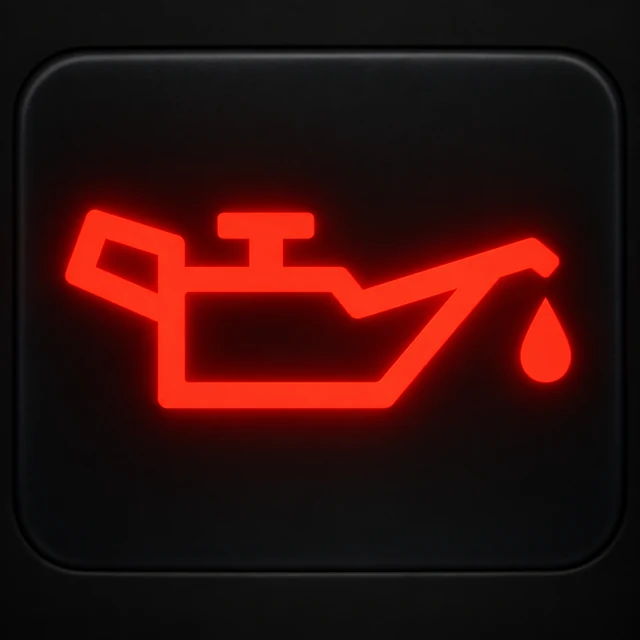 ENGINE LUBRICATION
Engine oil-pressure warning
Operator: Stop the compacting cycle, park and secure the roller, then shut the engine down correctly. Check operator-level items such as oil level and visible leakage. [4]
Technician: First confirm whether oil pressure is actually low. Then follow the evidence through oil supply, filter condition, pressure sender or switch, wiring and the lubrication system.
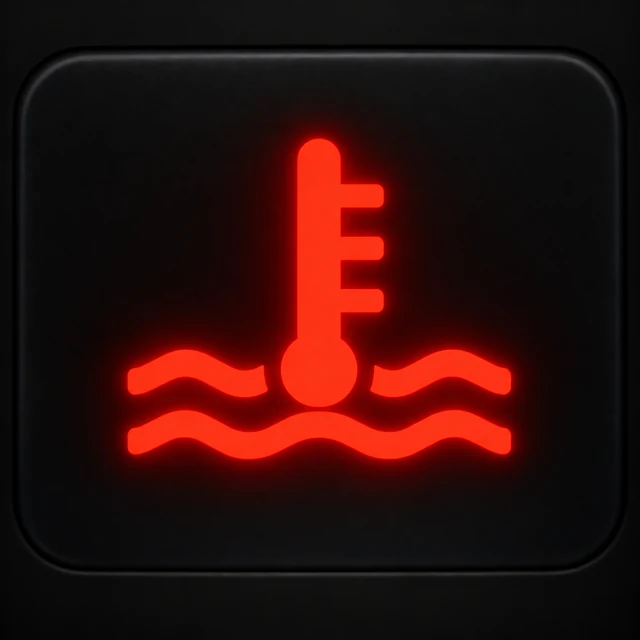 ENGINE COOLING
High engine-temperature warning
Operator: End the compacting pass and note the temperature trend, cooling-package condition, visible leakage and fan behaviour. [3]
Technician: Check coolant condition and level, airflow through the cooling package, fan operation, thermostat, circulation and the temperature circuit.
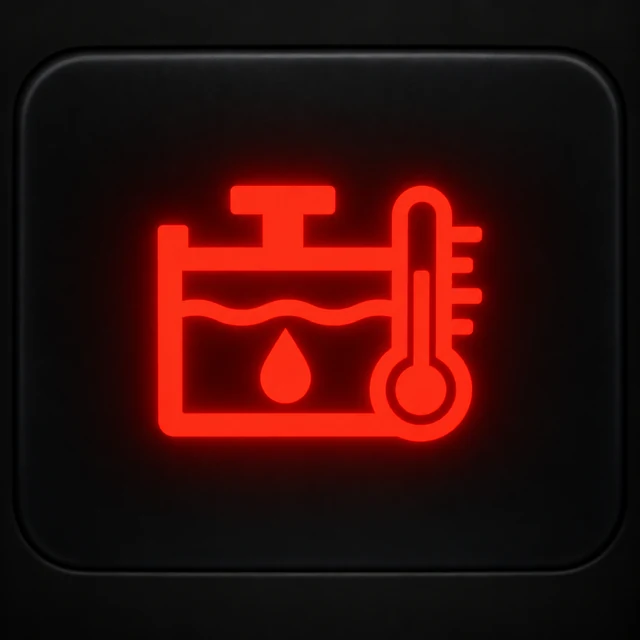 HYDRAULIC SYSTEM
Hydraulic oil-temperature warning
Operator: Record whether vibration was engaged, which amplitude was selected, the terrain/load and whether temperature climbed gradually or suddenly. [3]
Technician: Check oil condition and level, cooler airflow, fan performance, filter/restriction, hydraulic loading and the temperature circuit. If heat rises only with vibration, include the vibratory circuit in the loaded test.
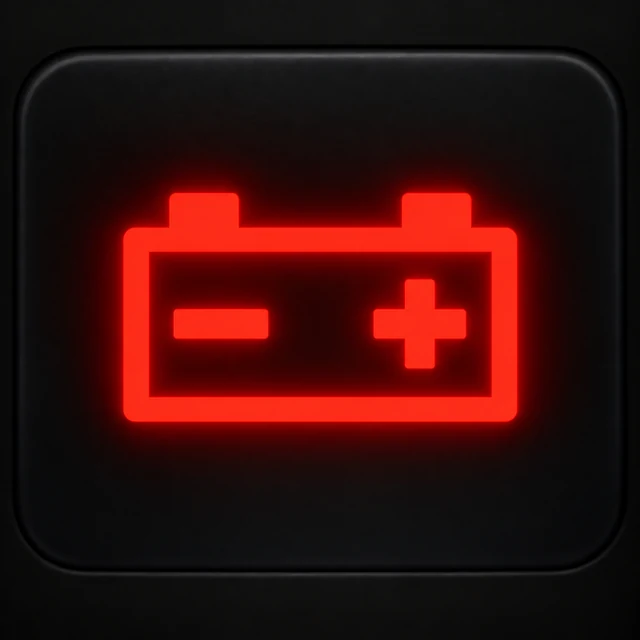 ELECTRICAL SYSTEM
Charging-system warning
Operator: A battery symbol that remains after startup points to the charging system. Record displayed voltage and any weakening electrical performance. [4]
Technician: Check battery condition, terminals and grounds, then measure charging voltage and alternator output before moving deeper into the circuit.
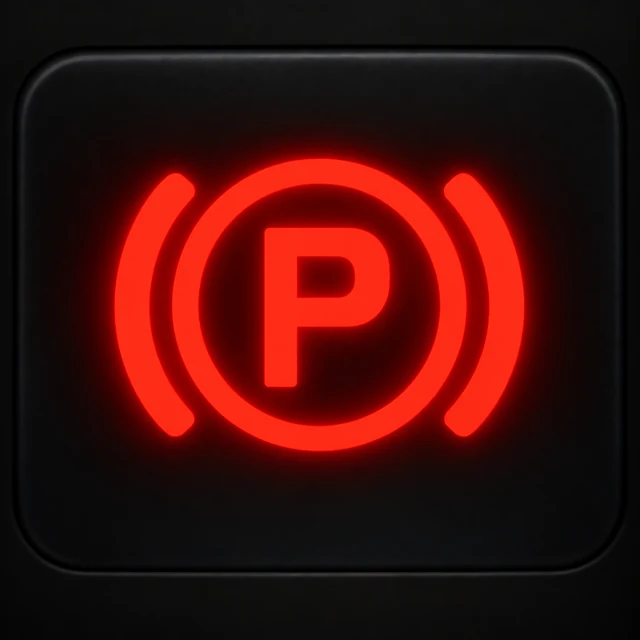 BRAKE STATUS
Brake / parking-brake indication
Operator: The indication should agree with the actual brake state: applied when parked and cleared when the parking brake is correctly released. [4]
Technician: If the indication and machine state disagree, check brake operation, the switch/interlock, wiring and the control circuit.
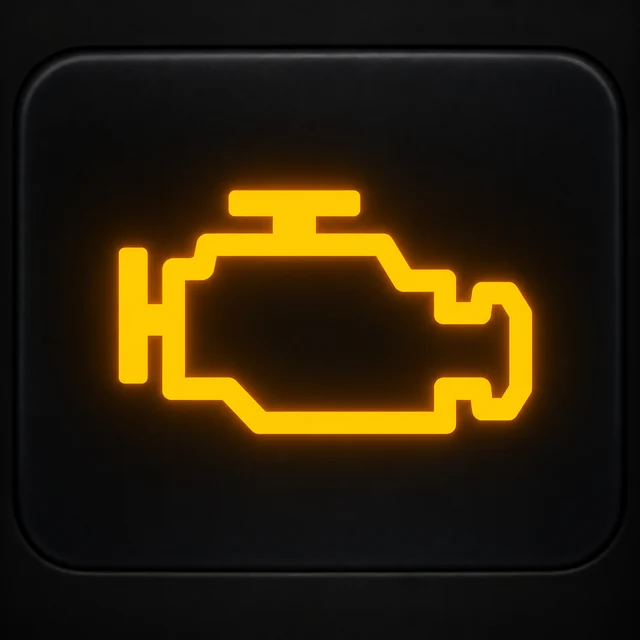 ENGINE MANAGEMENT
Engine-system message or fault code
Operator: Record the symbol, display message, fault code if shown, operating condition and what the roller was doing when the warning appeared. [3]
Technician: Use the diagnostic information to identify the affected system or circuit, then confirm the cause through testing rather than replacing parts from the code alone.
Did the temperature warning begin when vibration was engaged?
That detail matters. If the roller travels normally with vibration off and hydraulic temperature rises after vibration is selected, the technician now has evidence linking the condition to the extra hydraulic demand of the vibratory system.
STARTUP BEHAVIOUR
Know what the dashboard should look like before you move
Watch the warning indicators initialise so you know the lamps themselves are working.
Oil-pressure and charging indications should return to their normal running state after startup. [4]
The parking-brake indication should still agree with the actual brake position. [4]
A lamp that never appears during the normal lamp check also deserves attention.
If an indicator cannot illuminate during startup, it cannot reliably warn the operator when the monitored condition occurs.
ROLLER-SPECIFIC STATUS
Not every illuminated symbol means a fault
Vibration, amplitude, drum selection, water spray, ECO and traction functions are often operating-status information. The key is to confirm that the display command and the physical roller agree. Current roller displays combine these operating indicators with temperatures, voltage and warning information. [3]
 ROLLER STATUSVibration active
The display confirms vibration is selected. The operator still checks that the drum is actually vibrating normally.
 ROLLER STATUSAmplitude / frequency
Confirm the selected vibration setting matches the intended compaction procedure and the physical response at the drum.
 ROLLER STATUSDrum selection
On equipped tandem rollers, confirm which drum or drums are selected before the pass.

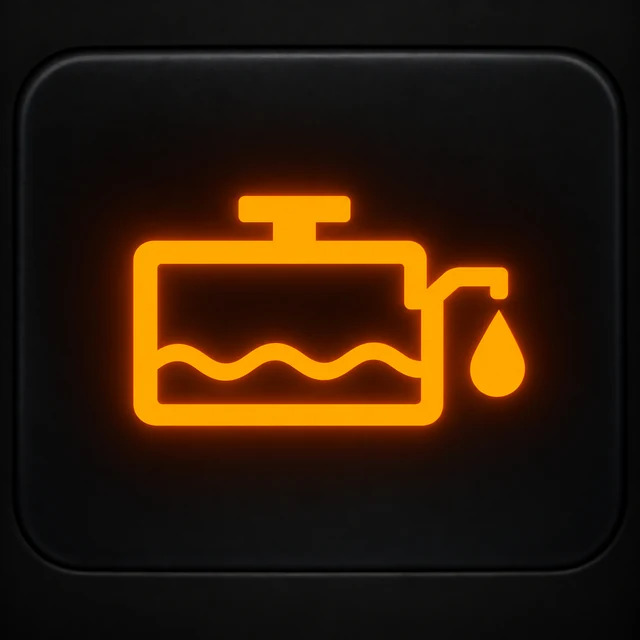 ROLLER STATUSWater spray / low water
The display confirms the spray command and shows when water supply is low. The operator still checks that water reaches the full working width.
 ROLLER STATUSECO mode
Confirms an economy operating mode is selected. Check that machine response matches the selected mode.
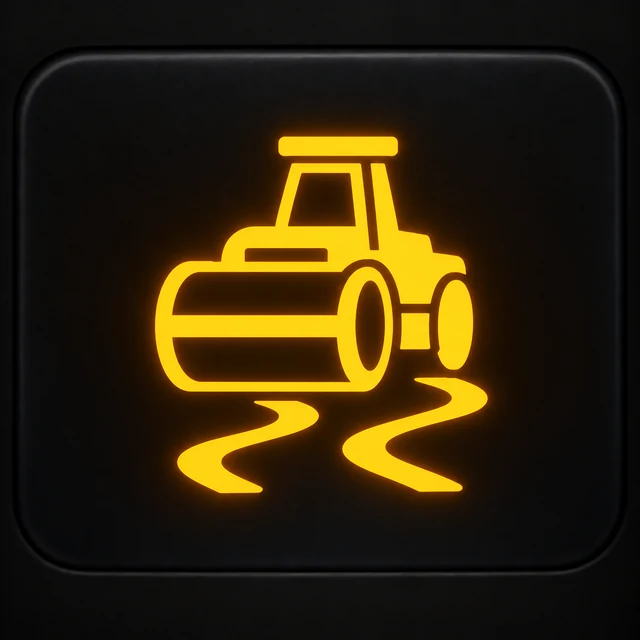 ROLLER STATUSTraction control
Recognise when traction assistance is active and report unexpected traction behaviour together with the indicator state.
The dashboard says spray is ON. Most of the front drum is wet, but the left section remains dry. That report points maintenance toward delivery—pump, filter, hose, valve or nozzle—rather than treating the dashboard symbol itself as the fault.
FUEL & AFTERTREATMENT
Fuel, water-in-fuel and regeneration indications
 FUEL / EMISSIONSLow fuel
Refuel before the machine runs dry. If the displayed level remains wrong after refilling, the sender or display circuit becomes the technician’s concern.
 FUEL / EMISSIONSWater in fuel
Service the separator correctly. Repeated water accumulation points toward fuel quality or a recurring contamination source.
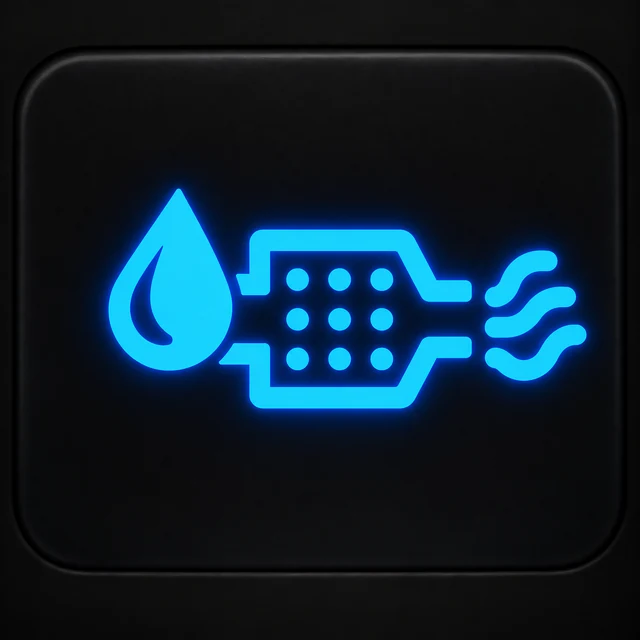 FUEL / EMISSIONSDEF / regeneration
Read the accompanying message and complete the requested operating action. The technician continues from codes, fluid condition, sensors and aftertreatment data.
On rollers equipped with modern emissions systems, the display can include DEF level and regeneration information. [3]
WHEN THE DISPLAY AND MACHINE DISAGREE
The mismatch itself is diagnostic evidence
Temperature rises during work
The roller has been operating for some time, vibration is active, temperature climbs steadily and the cooling package is restricted. The display agrees with the physical condition.
High-temperature warning from cold
The machine has just started and the hydraulic system is still physically cold, yet the display immediately shows excessive temperature. The technician now gives more attention to sender output, wiring, connections or display input.
OPERATOR → TECHNICIAN
Turn a dashboard warning into useful maintenance evidence
A trained operator can shorten troubleshooting without opening a hydraulic line or connecting a test gauge. Record the condition in which the warning appeared.
| Record | Useful example |
|---|---|
| Symbol | Hydraulic oil temperature |
| Hour meter | 3,420 hours |
| Timing | About 25 minutes after work began |
| Work state | Continuous vibratory passes, high amplitude |
| Gauge trend | Temperature had been climbing steadily |
| Machine behaviour | Travel normal; heat rose after vibration was engaged |
| Visible condition | Cooling surfaces heavily covered with dust |
Two roles, one dashboard
Operator: recognise → respond → report. Technician: test → diagnose → repair → verify. The operator protects the machine and preserves useful evidence; the technician confirms the root cause through measurement and testing.
TECHNICIAN WORKFLOW
Follow evidence, not the name of the lamp
- Confirm
Verify the operator’s report. - Identify
Read the symbol, message and diagnostic information. - Inspect
Check the physical system and obvious conditions. - Measure
Test pressure, temperature, voltage or circuit values. - Verify
Repair the confirmed cause and operate the roller again.
NEWTON INSTITUTE OF TECHNOLOGY
How NIT teaches motor roller dashboard awareness
At Newton Institute of Technology, G6 learners connect the dashboard to the physical machine. The practical method is:
Identify → Read → Respond → Record → Hand over
The goal is not to turn the operator into a workshop technician. It is to develop machine awareness, correct operator action and a useful maintenance handover.
NIT’s motor roller learning is part of the two-month Plant Operator programme, organised around approximately 70% practical and 30% theory training. [5]
The learner identifies the symbol, ends the working cycle, secures the roller and checks permitted operator-level items. The technician then verifies actual pressure.
The learner reports that temperature stays normal during travel and begins rising after vibration is engaged.
The learner recognises that the charging system has not returned to normal and reports the warning together with displayed voltage.
PRE-START DASHBOARD CHECK
Eight checks before the first compacting pass
- Confirm the display and warning lamps complete their normal startup check.
- Confirm oil-pressure and charging indications return to the expected running state.
- Confirm parking-brake status agrees with the actual brake position.
- Check fuel and relevant temperature information.
- Confirm there are no unexplained active fault indications.
- Select vibration and confirm both the dashboard indication and actual drum response.
- Confirm drum selection where available.
- For spray work, confirm the dashboard command and actual water delivery.
Dashboard + walk-around
The display can report hydraulic temperature, but it cannot show every damaged hose. It can show spray status, but it cannot confirm that every nozzle produces an even spray pattern. Electronic information and physical inspection work together. NIT’s separate Parts & Functions guide covers the physical machine systems in more detail. [6]
COMMON QUESTIONS
Motor roller warning lights: quick answers
What does a red warning light on a road roller mean?
Red normally identifies a condition needing immediate attention. Read the symbol to identify the system, then use the gauge, message and machine behaviour to choose the correct response.
What does the oil-can symbol mean?
It identifies the engine lubrication and oil-pressure system. If the warning remains active with the engine running, end the working cycle and shut the engine down correctly.
What does the battery symbol mean?
It identifies the charging system. A warning that remains after startup directs attention to charging voltage, alternator output, connections and wiring.
What does the vibration symbol mean?
It normally confirms that vibration has been selected or activated. Compare the display indication with the actual drum response.
What does the hydraulic-temperature symbol mean?
It shows that hydraulic-fluid temperature has reached a condition requiring attention. Record when it appeared and whether vibration or another high-load function was active.
Why is the parking-brake light still on after the engine starts?
Because the parking brake is still applied. The indication should agree with the actual brake state. [4]
What does the water-spray symbol mean?
It confirms the spray system has been selected. Check the drum as well to confirm water is reaching the full working width.
Technical references
- ISO 6405-1:2017 — Earth-moving machinery — Symbols for operator controls and other displays — Part 1: Common symbols.
- ISO 6405-2:2017 — Earth-moving machinery — Symbols for operator controls and other displays — Part 2: Symbols for specific machines, equipment and accessories.
- Official soil-compactor monitor documentation — gauges, warnings and machine information.
- Official roller operating documentation — startup warning-lamp behaviour, parking brake, vibration and sprinkling operation.
- Newton Institute of Technology — Motor Roller Training in Kenya.
- Newton Institute of Technology — Motor Roller Parts and Functions.
PRACTICAL PLANT OPERATOR TRAINING
Learn Motor Roller Operation at Newton Institute of Technology
Develop practical ability in machine inspection, controls, positioning, rolling passes, vibration use, overlap, worksite awareness and recognising when the machine requires attention.
Plant Operator training with motor roller available within the selected machine package.
Practical machine work supported by approximately 30% theory.
Namba Area, along the Migori–Sirare Highway.
Continue the conversation
Questions and comments
Ask about this guide or share a useful experience. No account is required.